Your AI, Your Data. No Cloud.
BoxGPT is a plug-and-play desktop AI workstation. Run powerful AI models locally on your own hardware. Your conversations, files, and experiments never leave your device. No subscriptions, no data sharing, just AI that works for you.
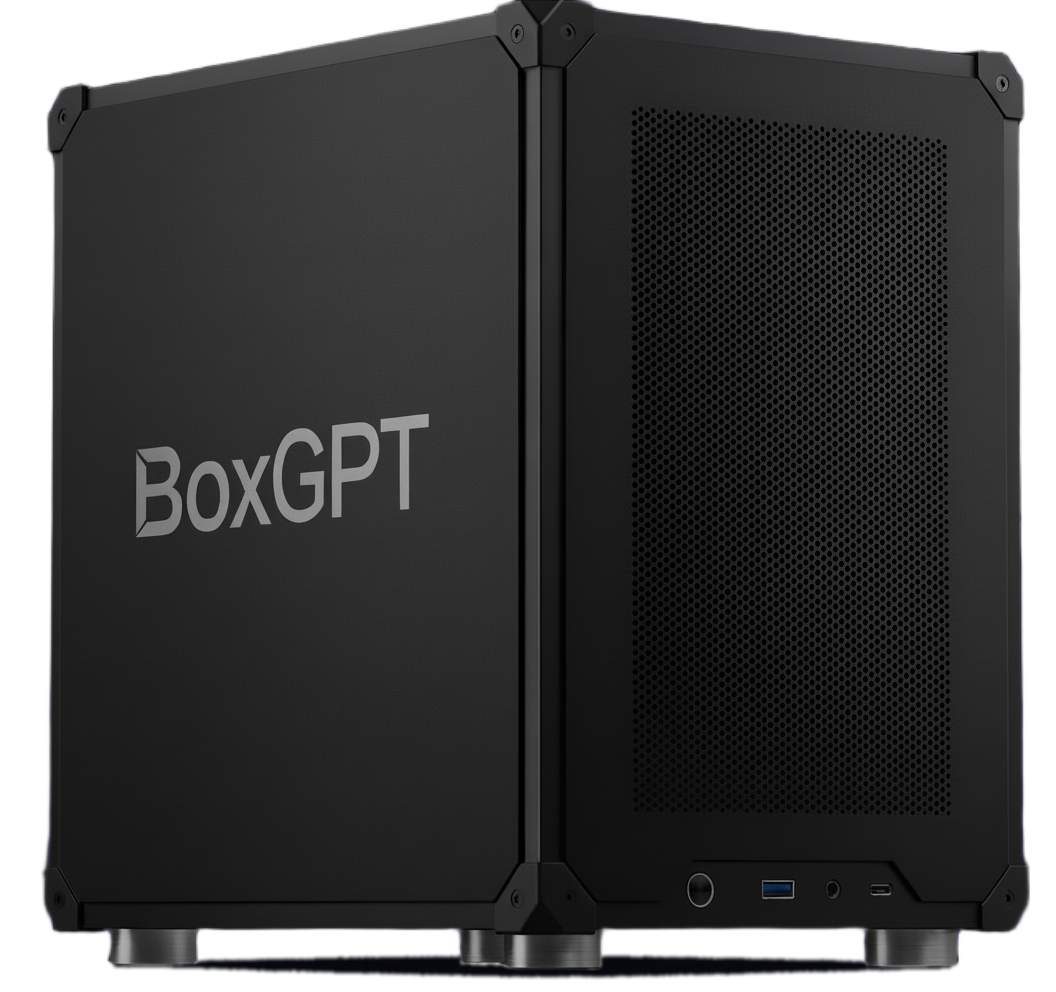
Our Machines
One-time purchase. No subscriptions. Fully repairable.
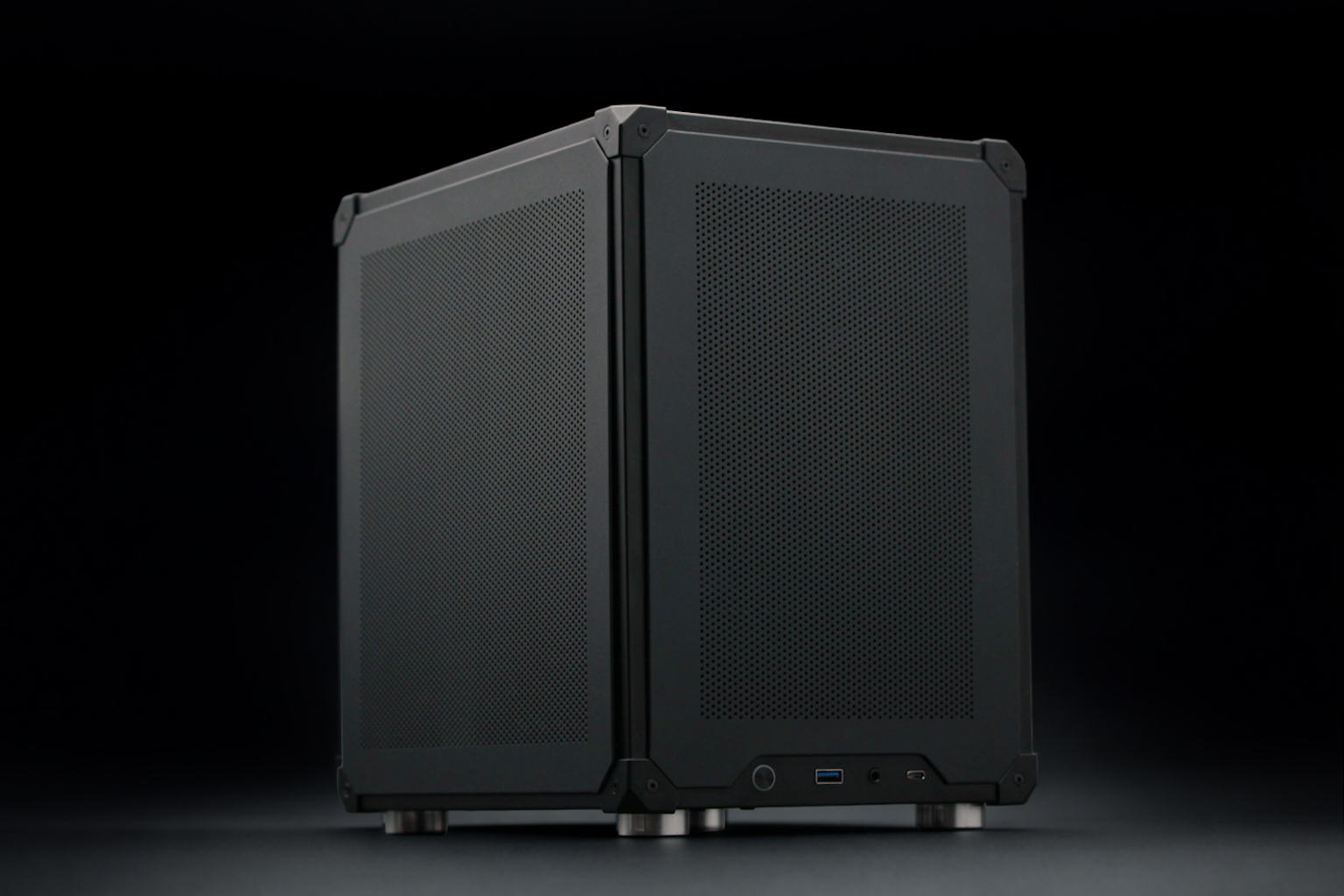
RTX 5060 Ti 16GB
$1,999
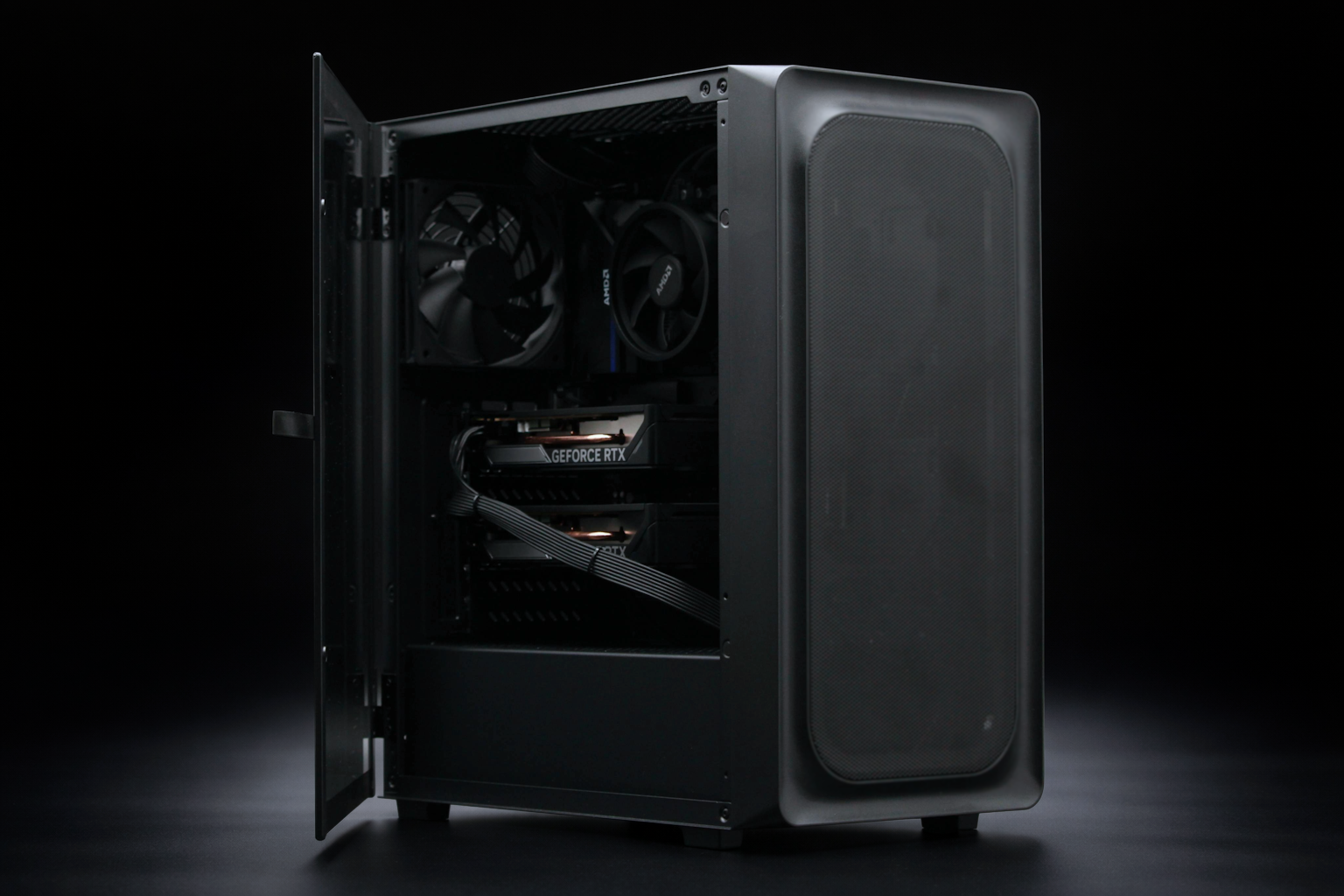
Dual RTX 5060 Ti 16GB
$2,699
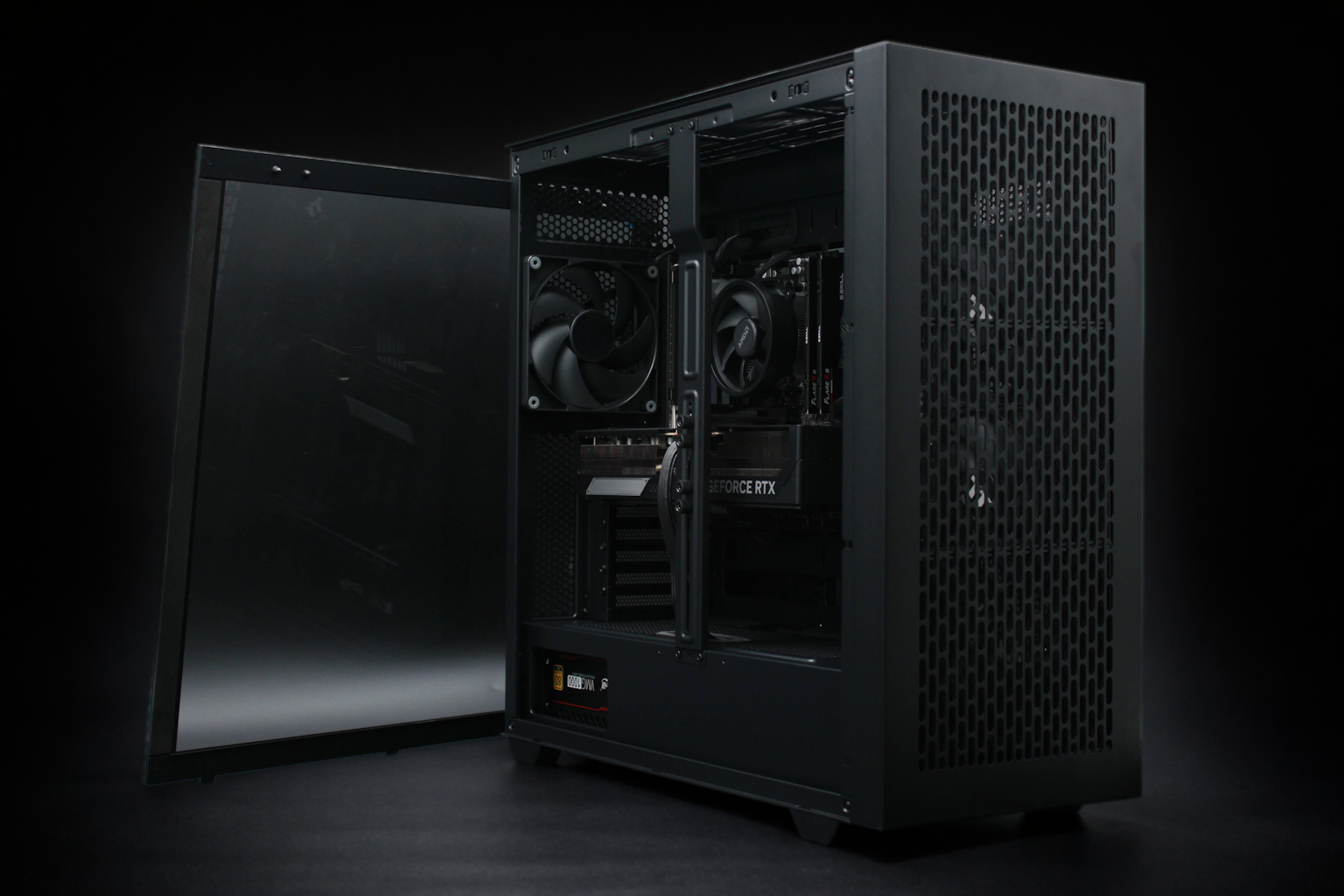
RTX 5090 32GB
$5,999
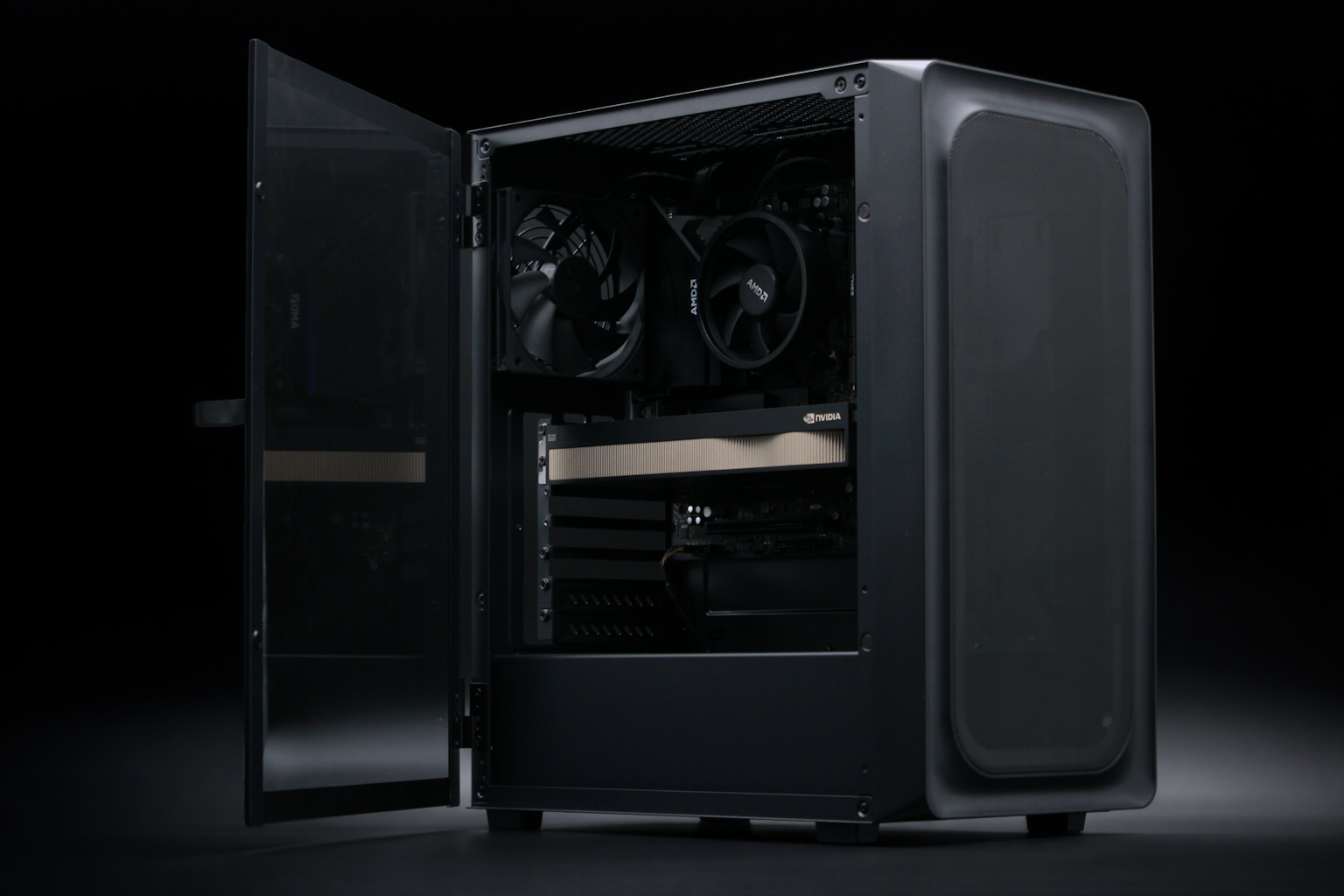
RTX PRO 5000 48GB
$7,699
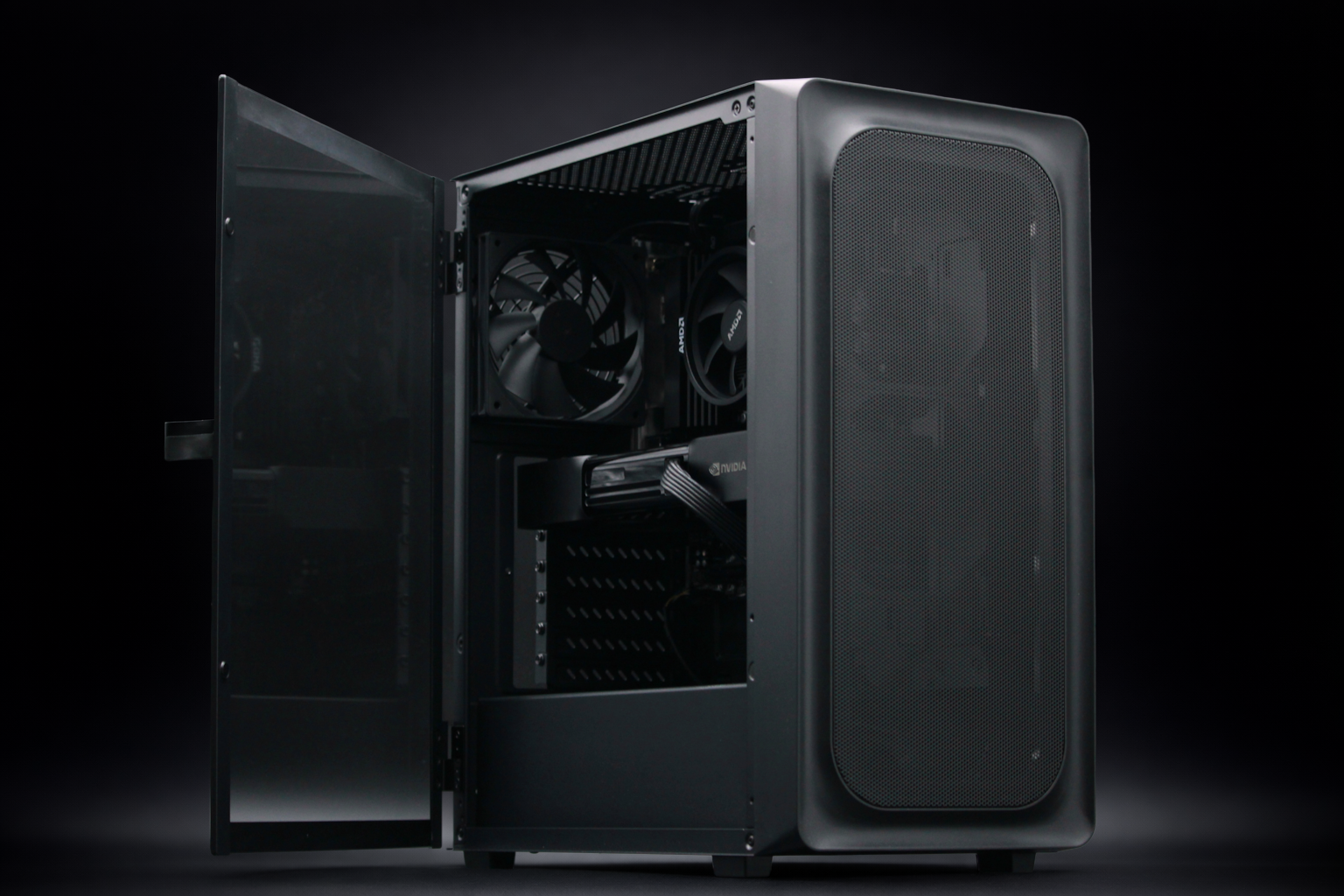
RTX PRO 6000 96GB
$12,999
Custom Configuration
Multi-GPU systems available
Enterprise
Get a Quote
RTX 5060 Ti 16GB
$1,999
Dual RTX 5060 Ti 16GB
$2,699
RTX 5090 32GB
$5,999
RTX PRO 5000 48GB
$7,699
RTX PRO 6000 96GB
$12,999
Custom Configuration
Multi-GPU systems available
Enterprise
Get a Quote
Pre-Configured Software
A complete AI software stack, pre-installed and tested. No terminal commands, no dependency management, no configuration. Power on and start using AI.
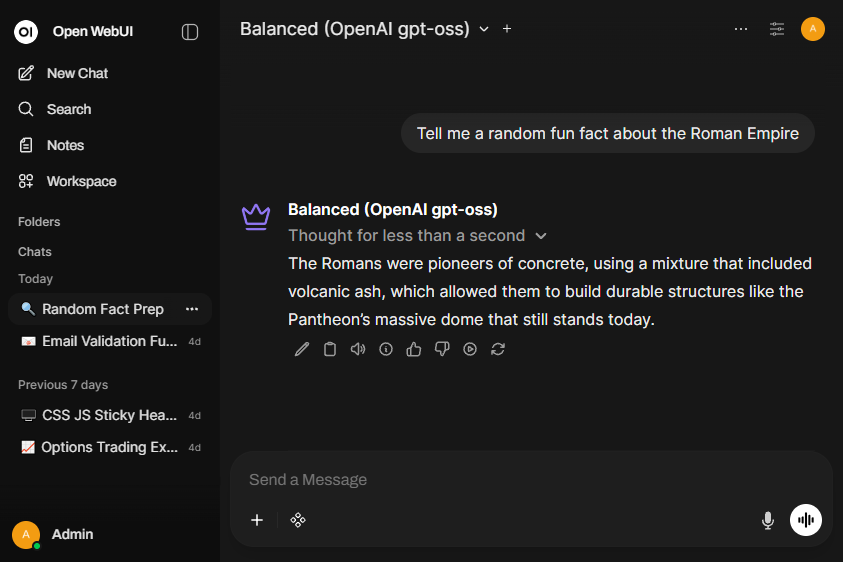
OpenWebUI interface. Accessible via browser on any device on the local network.
ChatGPT-style browser UI with chat, document analysis, image generation, and multi-user accounts
GPU-accelerated LLM inference engine. Ready to use with pre-configured models
Node-based Stable Diffusion with pre-configured workflows, models, and OpenWebUI integration
Full deep learning framework with CUDA support for custom AI development and experimentation
NVIDIA drivers and CUDA toolkit, pre-installed and hardware-verified for GPU acceleration
Stable Linux foundation with long-term security updates and full desktop environment
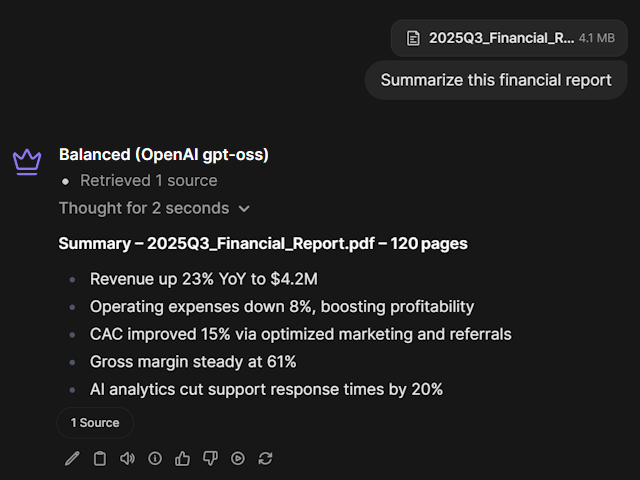
Chat with Documents
Upload PDFs, contracts, and reports to extract insights, summarize content, and answer questions. Your data never leaves your machine.
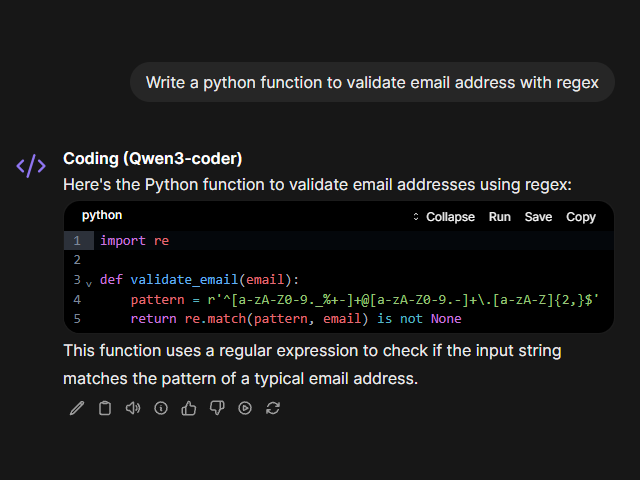
Advanced Coding
Generate, debug, and review code without sending proprietary source to cloud services. Use the built-in chat or connect coding agents like Cursor, Cline, and Continue via the OpenAI-compatible API endpoint.
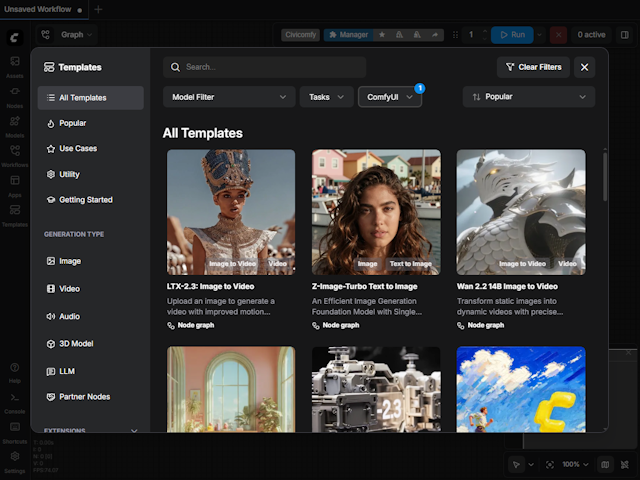
Image Generation with ComfyUI
A node-based Stable Diffusion interface, pre-configured with models and workflows so you can generate images immediately. Create photorealistic portraits, illustrations, concept art, and more. Or generate images directly from the chat interface in natural language.
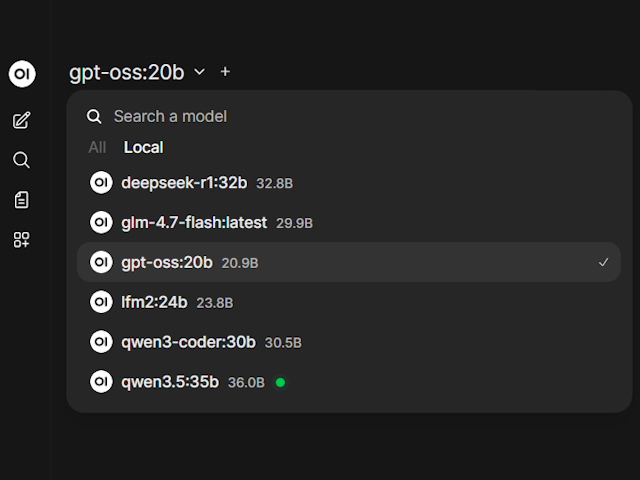
One-Click Model Management
Browse and install new models directly from the interface. Download from Ollama's library with a single click, switch between models instantly, without ever touching the command line.
More Features
OpenWebUI comes packed with additional capabilities out of the box, from web browsing to remote access.
Web Search
Built-in web search lets the AI browse the internet for up-to-date information. Configurable providers with source citations.
Multi-User Support
Create separate accounts for your team, each with their own conversation history, preferences, and role-based permissions.
Automatic Updates
OpenWebUI and Ollama update automatically to the latest versions, keeping your models, tools, and interface current without manual intervention.
API Integrations
Connect external APIs like OpenAI or Anthropic to use cloud models alongside local ones in a single interface.
Remote Access
Access BoxGPT from anywhere using Cloudflare Tunnels with encrypted connections and optional authentication.
Admin Controls
Manage users, permissions, and system settings. Control which models and features are available to each user.
Why Choose BoxGPT?
The privacy of self-hosting, the convenience of cloud AI, without the drawbacks of either.
Hobbyists & Prosumers
You want to experiment with AI, not fight with Linux.
Freelancers & Consultants
Your clients trust you with sensitive data. Keep it that way.
Small Teams & Startups
Stop paying per seat. Start owning your AI infrastructure.